
The Bollinger County Court Calendar
Bollinger County posts no calendar of its own. Its public route runs through Missouri Case.net, the statewide portal. Search by case number or litigant name there. The calendar-focused option is Scheduled Hearings & Trials Search. Treat any result as a snapshot. It is not a promise that a setting will hold.
Pair the calendar with the docket. The case header shows the court, division, judge, status, and recent activity. The Docket Entries tab keeps the chronological register, where continuances, resets, notices, and hearing-held entries land. Read both before trusting an old summons. A Bollinger County court date worth confirming deserves a fresh look at the latest docket activity.
Confidential matters stay off public reports. Party and attorney details shift with the security level too. For the right division and a lawful way into a protected case, the Circuit Clerk, not the calendar, is the local source.
Bollinger Court Calendar Search Fields
Start with location. Choose Bollinger County or the 32nd Judicial Circuit in the live form. Then set a start date. The official design splits a Judge/Commissioner calendar from an Attorney calendar. Either one can cover a single day or a seven-day window. That range helps when you know the case number. It also lets you sweep a docket search across a short stretch of dates.
| Field or control | Type | Required | Use for a Bollinger calendar |
|---|---|---|---|
| Search for cases in | Dropdown | Yes | Choose the 32nd Circuit or Bollinger location when listed. |
| Start Date | Date picker | Yes | Sets the first calendar date to search. |
| Search type | Radio button or dropdown | Yes | Select Judge/Commissioner or Attorney. |
| Search period | Radio button or dropdown | Yes | Choose Single Day or Seven Day. |
| Judge/Commissioner or Attorney | Dropdown or text | Conditional | Attorney mode may use a Missouri Bar number. |
| Case number and party fields | Text | Optional where shown | Further narrow a case or public non-criminal calendar. |
| Sort by | Dropdown | Optional | Official guidance describes time, case-number, and party sorts. |
The live form shows its own labels and choices. Rely on what appears on the screen when you search the Bollinger County court calendar. No fixed list of fields is set out here. The court can change the controls it displays. What matters is that each label tells you what to type or pick for your docket search. One caution: a search period is just a viewing choice. It is not a court order. It does not promise that every case in the docket is public.
How to Find Your Court Date
Work the channels in order. Keep the citation, summons, notice, or order close by. It may hold the case or citation number. That number can match a docket result. For circuit civil, criminal, domestic, and juvenile matters, the Circuit Clerk uses extension 6. Associate criminal, municipal or traffic, probate, and small-claims questions go to extension 4.
- Read the notice and copy the case or citation number exactly. If no number is legible, use the party name as it appears on the filing.
- Open Case.net. Use Case Number Search when the number is known, or Litigant Name Search when it is not.
- Open the matching case header, then read the newest notice, setting, reset, or hearing entry on Docket Entries.
- Run Scheduled Hearings & Trials Search for the Bollinger or 32nd Circuit location. Choose the date window and judge, commissioner, or attorney route that fits the matter.
- Compare the result with the paper or electronic notice. Check the judiciary's statewide notices page for the current Bollinger relocation notice.
- Call the Circuit Clerk at (573) 238-1900, extension 6 or extension 4, to confirm the current building and courtroom. The correct extension depends on the division and case category.
- If the online docket has no current date or appears stale, ask for the courthouse public-access terminal or clerk counter. Also check any posted courthouse or City Hall calendar and use the notice already issued in the case.
Case.net covers the whole state. The phone, counter, terminal, posted notice, and case notice are the county-facing ways to confirm. Represented parties should keep and follow whatever arrives through counsel. Bollinger offers no text or email reminder program in its official materials. Do not count on one.
Bollinger Court Date Confirmation
Bollinger County poses an odd confirmation problem. The official judiciary notice says proceedings moved to Marble Hill City Hall. The reason is courthouse engineering issues. Court and directory materials, though, list different Clerk addresses. Hearings and records may not share a building. A calendar result shows a date and division. It will not tell you where to walk.
Begin with the official Bollinger court locator. It names the Circuit Clerk and maps question types to the two extensions. Check the physical setting right before you travel. Do this above all after a reset, holiday, weather event, engineering update, or courtroom change. No full parking, security, or terminal inventory appears in the public materials.
The official Missouri eFiling login belongs to the statewide filing system. It needs a registered account. It cannot substitute for confirming a court date with the clerk.
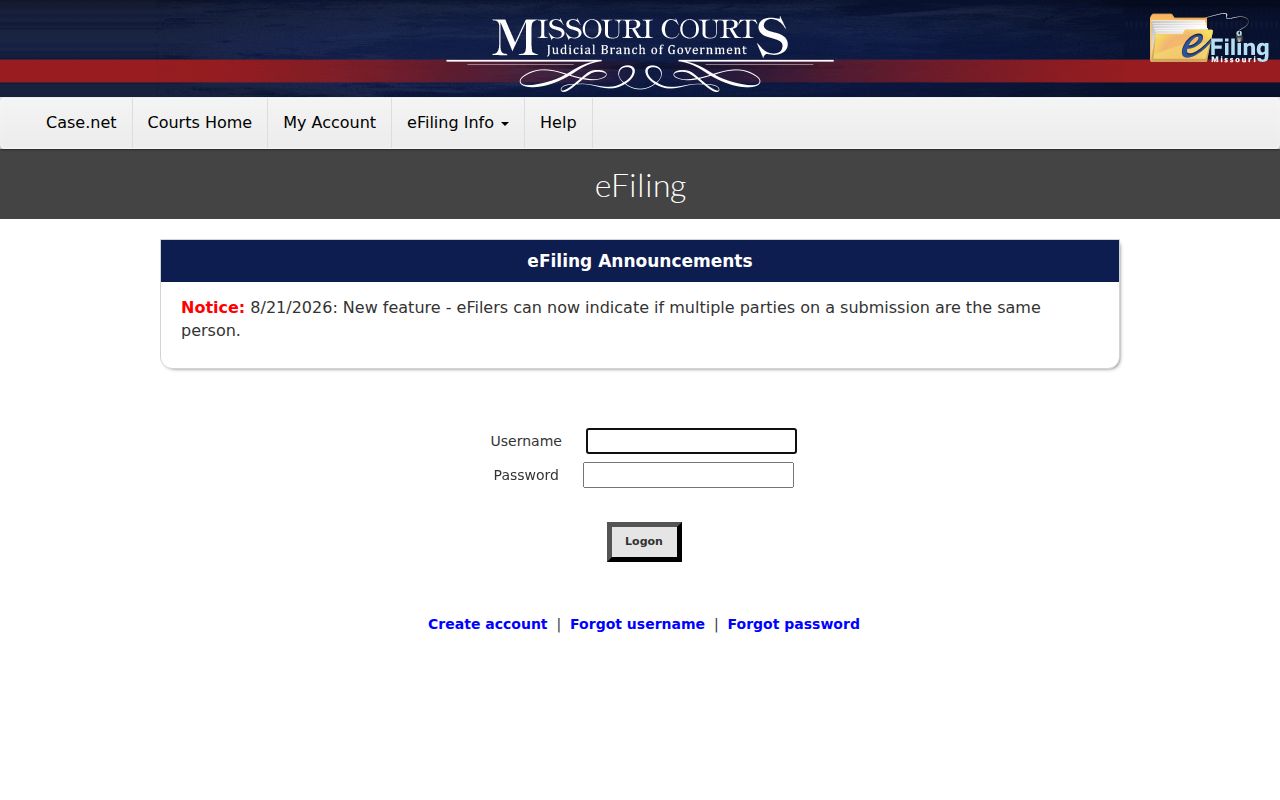
That official page shows the split between an eFiling account path and the public case-calendar route. For a hearing that is close, confirm the active setting and current location through the calendar, the docket, the notice, and the clerk together.
Reading a Court Setting
A setting is a scheduled court event, nothing more. Official calendar guidance describes a list of events. Each event is tied to a date, time, judge, and location, and some are grouped by calendar type or review action. On a public Bollinger result, check the case number and style first. That confirms you opened the right case. The division, courtroom, and event type then explain what the court scheduled.
| Date | The calendar date for the listed event. Compare it with the newest docket entry when an earlier notice remains in the register. |
|---|---|
| Time | The scheduled start time or calendar time. It may be a docket-call time rather than a promise of an individual hearing start. |
| Courtroom/location | The public location field, if displayed. Confirm it directly because Bollinger proceedings have an active relocation notice. |
| Judge/commissioner | The official associated with the setting where Case.net makes that information public. |
| Setting type | The event label, such as arraignment, motion hearing, plea, review, trial, sentencing, or municipal/traffic appearance. |
| Case number and style | The identifiers that distinguish the matching case from a similar party name or another case in the same calendar window. |
Read a time entry alongside the setting type. Under the 32nd Circuit local rules, sessions begin at 9 a.m. The exception is jury-trial pretrial conferences. Those begin at 8:30 a.m. unless the court says otherwise. Those rules do not make every calendar line a fixed arrival order. The notice and the clerk still govern your individual hearing.
Bollinger Court Setting Terms
Case.net labels each setting with a short term. Read that term plainly. It tells you whether a line is a court date or an end result. The courts publish no static Bollinger label dictionary. Check exact local wording in an ordinary browser. The statewide terms below match the county's reported division structure.
- Arraignment or initial appearance
- A proceeding where a criminal matter moves into formal procedure and the person is advised of the charge.
- Preliminary hearing
- An associate-level hearing that tests probable cause before a felony proceeds further.
- Docket call
- A calendar session where cases may be called, readiness discussed, or later events set.
- Pretrial conference
- A court event before trial that may address preparation or scheduling.
- Status or review hearing
- A setting used to review case progress, compliance, probation, or a treatment-court matter.
- Trial de novo
- A new trial route that can follow some municipal or associate matters and may produce a related case number.
Other common labels include motion hearing, plea, jury trial, bench trial, sentencing, and municipal or traffic appearance. Each label names the type of event. What it never does is settle the outcome of the case, since that takes its own entry on the Bollinger County court docket.
Resets, Continuances, and Cancellations
A reset or continuance simply moves a setting. The old date stays on the docket, because the docket keeps a running chronological history. Find the newest future setting first. Then read the entries that follow the older notice. A later continuance, reset, pass, or hearing-held entry matters. It can change what an earlier calendar line really means in a Bollinger County case lookup.
Two future dates on the list call for a check. Go straight to the assigned clerk or court contact. For associate cases, Missouri eFiling public-access materials describe the workflow. An attorney may request a date in a pleading or Note to Clerk. Otherwise the clerk assigns the court date, and notice goes out to the parties afterward. That sequence explains the record. A request, an assigned date, and a later notice can all sit in the record as separate events.
Weather, holidays, engineering conditions, and courtroom changes can shift a setting too. Re-read the official notices page, then call the correct extension. Compare Scheduled Hearings & Trials Search against Docket Entries. An old notice that is still visible is not the current setting.
Note: A reset changes the date only. It is not a dismissal and not a decision on the merits.
Bollinger Court Calendar Timing
The 32nd Judicial Circuit's Bollinger Divisions I and II each hold terms beginning on the third Friday in March and the third Friday in September. A term is formal calendar structure. Hearings are not limited to those dates. Settings still come through the case and calendar process described above.
The local 9 a.m. session rule and the 8:30 a.m. jury-pretrial exception offer useful context for reading a Bollinger County court calendar. Neither overrides a different time printed on a specific notice. You can sort a calendar search by time or case number to see the public order of events. Where proceedings happen away from the courthouse, the location field and clerk confirmation matter most.
What To Do If You Miss a Setting
Act quickly after missing a Bollinger County court setting. Pull up the case on Case.net. Read the newest Docket Entries, then call the division handling the matter. Ask about the current status, whether a new setting exists, and the right channel for an appearance or filing. The clerk can explain procedure and records. The clerk cannot give legal advice or decide the issue.
Missed a Setting? A missed court date can result in a failure-to-appear or bond-related docket event, depending on the case and the court's action.
Contact the Bollinger County Circuit Clerk at (573) 238-1900, extension 6 or extension 4, as soon as possible and preserve the case number and all notices.
If a warrant, bond question, or other legal consequence is shown, obtain advice from a licensed attorney before relying on an online calendar entry.
Bollinger Court Calendar Location Check
Confirm the current building and courtroom with the Circuit Clerk before you appear. The official notices page names Marble Hall City Hall as the relocated proceeding location.
The official notices page names Marble Hill City Hall as the relocated proceeding location. The court locator and the Missouri Manual list differing court-office addresses. That gap matters. It separates where you go for a hearing from where a counter or record request is handled.
Work the dependable chain. Start with the notice, the Case.net scheduled-hearing result, and Docket Entries. Then come the official relocation notice and clerk confirmation. The clerk may point you to a terminal. If so, ask for the Case.net public terminal. Skip the private staff login. It can reach older public documents and electronic case material that is not available remotely.